Block Flow
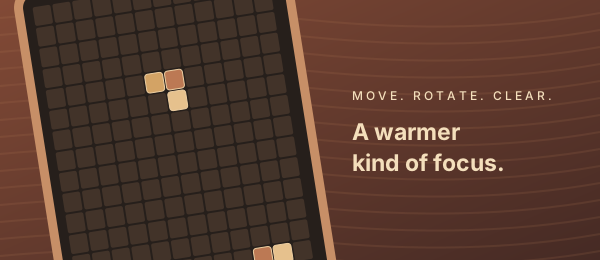
A warmer kind of focus.
Move, rotate and clear in a reddish wood world.
Wood edition · v1.0.1 · 34 kB · device testing pending
SMALL BREAKS. GOOD GAMES.
A quick challenge or a quiet puzzle.
Pick your pace. Your board is ready.
A warmer kind of focus.
Move, rotate and clear in a reddish wood world.
Wood edition · v1.0.1 · 34 kB · device testing pending
Nine digits. One clear solution.
Find your focus with notes, undo and a little logic.
Android demo · beta · v1.0.2 · 3.12 MB
Find a column. Match your neighbors.
Let one little drop start a colorful cascade.
One empty space. Your next move.
Slide neighboring tiles and bring the numbers into order.
Android preview · v0.1.3 · 55 kB · device testing pending
Untangle original woodland trails.
A small playable preview with local saves. No live tournaments, ads or accounts.
Signed guest build · v0.13.1-woodland · 74.7 KiB · device testing pending
Straight to the gameNo download or account to start.
A break on your termsCheck your game’s quick guide for its pace and controls.
Keep it personalSaves stay in this browser; what is saved depends on the game.
A GOOD FIRST MOVE
Choose a board above.
Start with these quick guides.
Try this: Watch the next piece and keep the centre spawn area open. Pause to save your place.
Try this: Look for a row, column or box with one missing digit.
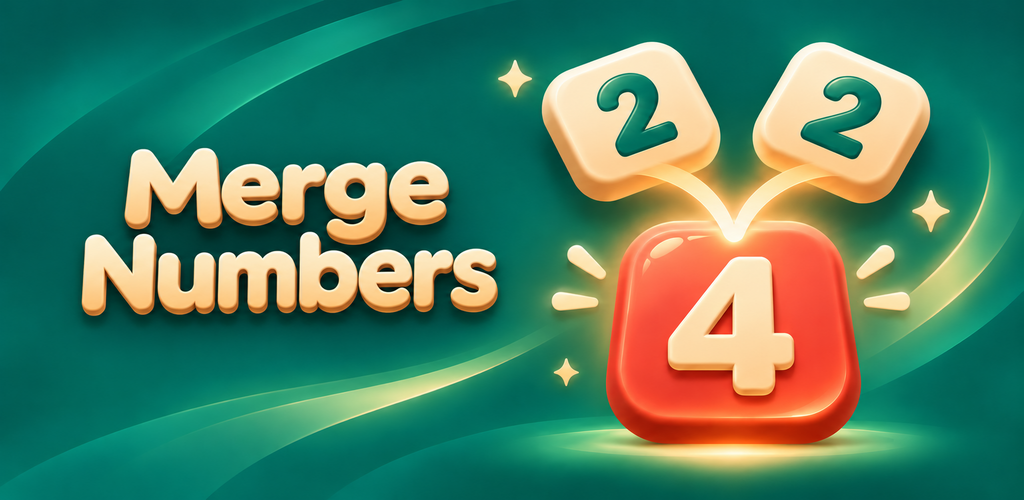
Try this: Check where the merged tile will land and what it can match next.
Try this: Watch where the blank will go. A correct tile may need to move temporarily.
Learn the new controls, per-wave scoring, saved runs and optional import of a previous browser best.
Read the Block Flow guide ↗Work through a missing digit, a hidden single and candidate pairs. Learn what notes and conflict feedback can tell you.
Read the Sudoku guide ↗Follow a numbered board example, calculate the score and learn how gravity changes your next move.
Read the Merge Numbers guide ↗Learn legal moves, pause and restart, local records and why a correctly placed tile sometimes needs to move.
Read the Number Slide guide ↗FROM THE BLOG
Explore a puzzle, test a rule, and compare two choices.
BLOCK FLOW
Two rows together or two separate clears: a checked example explains the 32-point and 22-point totals.
Read the article ↗SUDOKU
A small experiment with missing digits explains why uniqueness matters more than counting clues.
Read the article ↗MERGE NUMBERS
The largest tile changes the pool. Your score does not. Here are the exact thresholds and what they mean for your next move.
Read the article ↗NUMBER SLIDE
Follow six legal slides and see how moving a finished tile can open the route to a solution.
Read the article ↗All games are free to play without an account. No ad provider is active, and Sudoku hints are available without watching an ad.
Visit a game online first and allow its files to cache. Offline reopening depends on a successful cache and browser support. Check its guide for available offline and installation options. Installing a game does not sync saves between devices.
Saves stay on this device and depend on the game. Check its guide for exactly what is saved. Browser games and Android apps keep separate data; clearing browser or app data can remove saves.
The quick guides above explain each game’s controls. Follow the full game guide for keyboard shortcuts and other available controls.